4 Ways to Find Out Who Your SIM Card Carrier Is
If you’re not the one paying the bill, or you use a pay-as-you-go SIM card, there’s a chance you don’t get to see your SIM card carrier name. Also, iOS and Android devices no longer display the carrier name on the home page. So, it’s easy to lose track of it.
But what is a SIM card carrier? And how can you find out who your SIM card carrier is?

What Is a SIM Card Carrier?
Simply put, a SIM card carrier is a company that provides mobile services. “Carrier” is the shortened version of “wireless carrier,” but there are other terms, such as mobile operator, cellular company, or wireless service provider, that refer to the same thing.
For example, AT&T, Verizon Wireless, Sprint, and T-Mobile US are SIM card carriers.
Why You Should Know Your SIM Card Carrier
You don’t think about your SIM card carrier until you run into an issue regarding your phone bill or service. Or maybeyou think someone cloned your SIM card, and you need to block your phone number. In any of these situations, you should quickly find the SIM card carrier.
Or maybe there’s nothing wrong, and you just plan a trip abroad and want to check your carrier’s policy about international calls.

No matter the cause, you can identify your card carrier using the methods below.
How to Find Your SIM Card Carrier
Now that you know what a SIM card carrier is and why you should know your carrier, let’s look at how you can find it.
1. Check the Logo on Your SIM Card
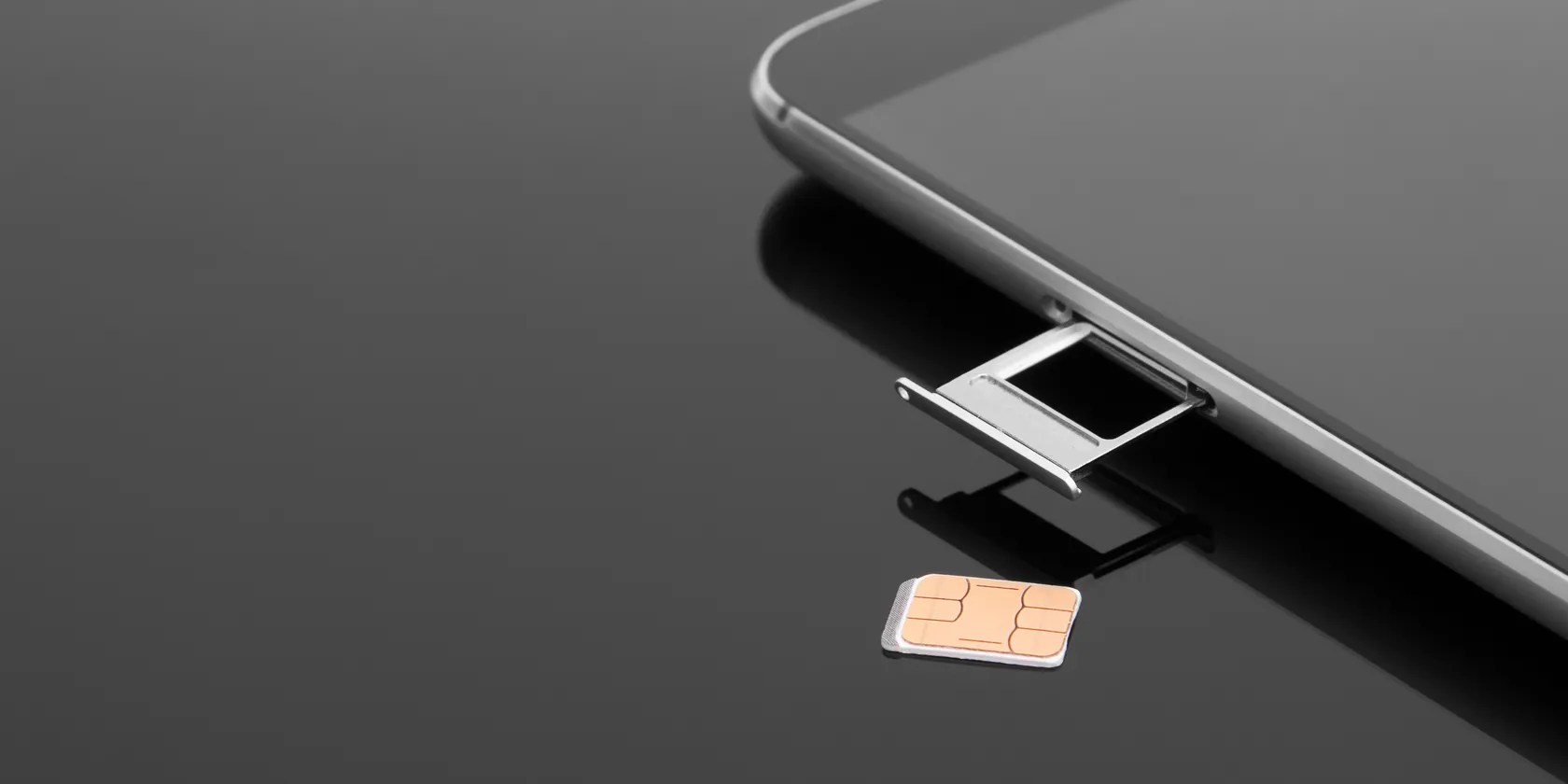
One of the easiest methods to find out your SIM card carrier is to take a look at yourSIM card. Most SIM cards have the carrier logo, or even the name so that you may identify the carrier. Also, you may get a little more information if you still have the SIM cover from when you bought it.
If you lost the SIM cover a while ago and can’t read any information on your SIM card, try one of the methods below to identify your SIM card carrier.

2. Use Your Phone Number
As long as you know your phone number, you can figure out the carrier. For example, the first two digits of every phone number indicate a country code, such as +1 for the US or +44 for the UK. The next three digits represent the carrier’s code. For example, if these three digits are 150, 253, or 560, the carrier is AT&T.
However, there’s an easier method than looking up the codes for each country and carrier. Use an online carrier finder, such asFreeCarrierLookup. All you have to do is type in the phone number and clickEnter.

3. Take a Look at Your Phone Bill
If you are a postpaid user, look for any phone bill, as it will clearly show its name. Also, if you are a prepaid user, look for any text message sent by the carrier before and after recharging your credit.
4. Check Your Phone Settings
Alternatively, you may find your SIM card carrier using nothing more than your phone.
Identify Your SIM Card Carrier
With one of the tips above, you’re able to easily find out who is your SIM card carrier. Perhaps the easiest method is to look for the most recent bill, but if you can’t find one, you can check your phone settings or search online using your phone number.
Want to get the most out of your mobile data plan? These apps and tricks can help you squeeze out every last megabyte.
Not all true crime is about hacking, slashing, and gore.
it’s possible to block out the constant surveillance and restore your privacy with a few quick changes.
My iPhone does it all, but I still need my dumb phone.
One casual AI chat exposed how vulnerable I was.
This small feature makes a massive difference.
