Do You Need to Run Manual Antivirus Scans?
Antivirus (or anti-malware) software is an umbrella term used to describe any program whose primary purpose is to detect and remove malicious programs.
But even if you take good care of your cybersecurity hygiene, you may be wondering whether it is necessary to manually scan your computer from time to time, as opposed to just letting the antivirus software work in the background—so do you need to run manual scans? When is the best time to do so?

Should You Run a Manual Antivirus Scan?
If you’ve ever used an antivirus program, and you most probably have, you’ve noticed it working in the background as long as your device is on. So, with anti-malware software installed, when you click a suspicious link or open a shady website, you get a notification that says something like “Threat found, malicious object removed.” This is your antivirus software doing what it’s supposed to: detecting and removing malware.
Likewise, if you’ve ever tinkered around with your antivirus, you’ve noticed it has a bunch of different scan options. No matter which software you use, it should let you run a quick scan, a full scan, a removable drive scan, a background scan, a selective scan, or any variation of these.
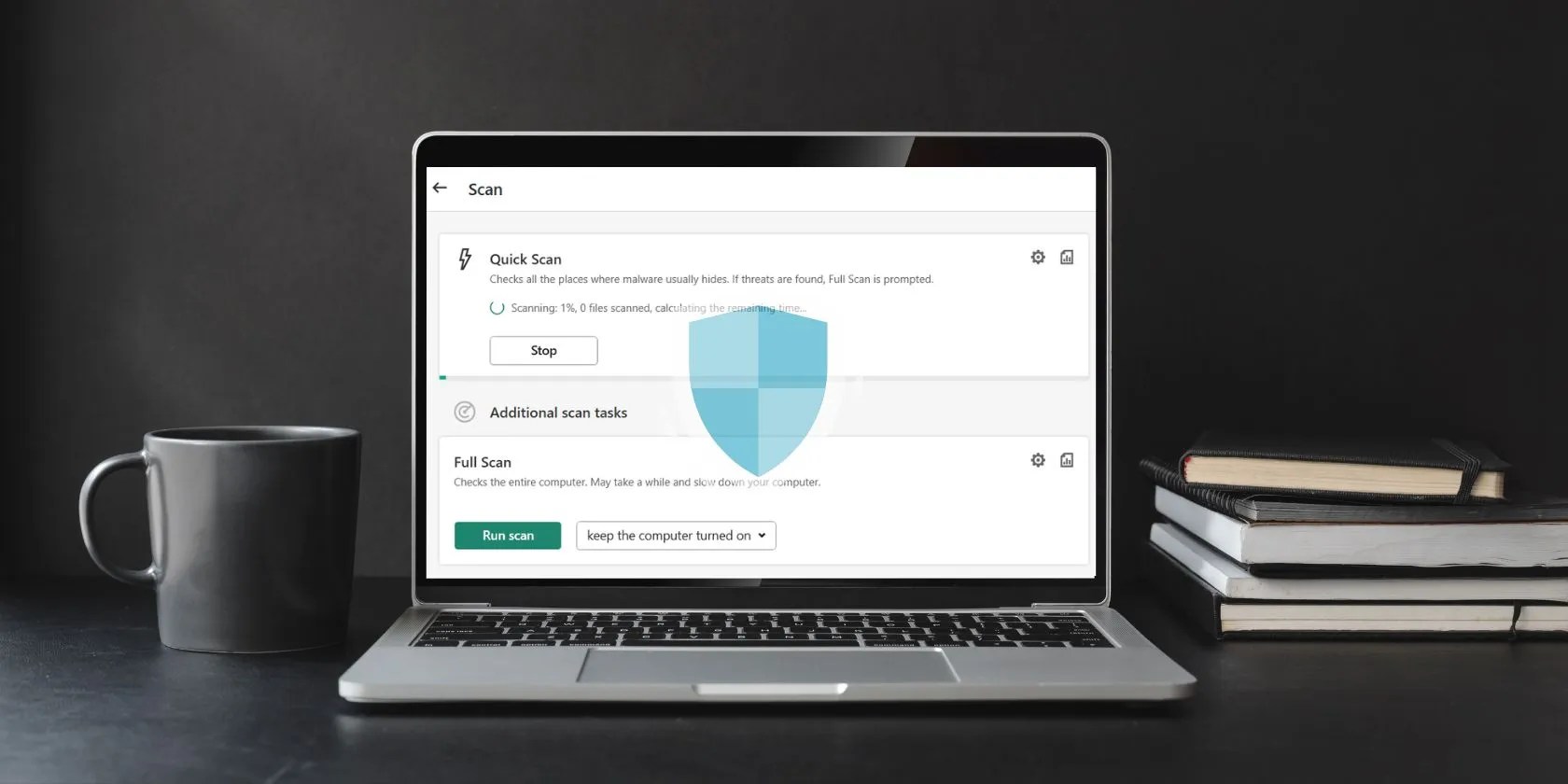
But is it a good idea to run these scans? Would it boost your security if you ran a manual scan from time to time? Should you do that, instead of just hoping the antivirus intercepts and blocks malware when you come across it? The short answer to these questions is: not really, but there are some exceptions.
To test your antivirus software, try downloading theEICAR test file. Don’t worry, this is not a real computer virus, but rather a non-malicious test file that was developed by the European Institute for Computer Antivirus Research (EICAR) and Computer Antivirus Research Organization (CARO). If your anti-malware is any good, you will get a notification saying your antivirus suite has detected and prevented the download.

There are several other safe ways tocheck how good your antivirus is, so feel free to run a few additional tests. If your anti-malware software is up-to-date, it should be able to detect most known malicious programs. Virtually all antivirus programs offer so-called real-time protection, which means they always run in the background and act as a sort of barrier between your device and any malware.
Clearly, this suggests that it is not necessary to run malware scans. What would be the point if your antivirus detects malicious programs on its own whenever you encounter them online, blocks you from downloading them, or removes and quarantines them if you download them accidentally? Still, there are a few exceptions to this rule.

When to Run Manual Anti-Malware Scans
When should you run a manual antivirus scan? For example, if you notice your device acting up: running slowly, heating up,showing strange pop-ups, glitching, producing random sounds, connecting to strange websites, preventing downloads and updates, starting unwanted downloads on its own, running strange processes, and so on.
You should also consider running a scan the first time you install antivirus software. Granted, most will probably launch a scan immediately, but there’s no harm in doing a full scan and letting the software thoroughly examine your device for any potential issues or malicious programs.

Thirdly, it’s not a bad idea torun a manual scan when you plug in a removable drive. Most antivirus software will either scan the drive automatically, or at least offer to scan it. However, in case yours doesn’t, make sure you run a scan and check whether the drive has any malicious programs on it.
Protect Yourself From Malware
When it comes to cybersecurity in general, common sense goes a long way. This means you should not click on suspicious links, download email attachments from strange addresses, browse shady websites, or install unknown applications.
With that said, having good antivirus protection is a must. Fortunately, there are plenty of affordable and free options to choose from.
No matter what computer you’re using, you need antivirus protection. Here are the best free antivirus tools you can use.
You can block out the constant surveillance and restore your privacy with a few quick changes.
Freeing up vital memory on Windows only takes a moment, and your computer will feel much faster once you’re done.
Unlock a world of entertainment possibilities with this clever TV hack.
Revolutionize your driving experience with these game-changing CarPlay additions.
Some subscriptions are worth the recurring cost, but not these ones.
