Google Pixel’s Game Dashboard is coming to Play Services — and maybe other phones, too
Android 12 debuted a newGame Dashboardfeature that offered a snazzy FPS counter overlay, game optimization settings, a do-not-disturb toggle, and even the ability to stream live via YouTube. Unfortunately, it was a Pixel-exclusive feature, but thatmightchange soon. Esper.io’s Mishaal Rahman has been following a trail of clues that indicate Google is making the Game Dashboard feature part of Google Play Services. That change of venue from Google’s first-party system UI components to a service licensed by countless manufacturers could mean that Google’s Game Dashboard is coming to other phones.
Rahman has been following the development of the feature in Play Services for the last month or so when early signs through a handful of “feature declarations” that seemed related to it. More recently, he was able to trigger the feature through Play Services itself, which could indicate Google is nearly finished porting it over.

The Game Dashboard feature implemented through Play Services looks identical to the prior version and likely behaves the same. (One change to the screenshot shortcut icon you might notice in the screenshots may simply be due to Android 13.) But Google’s motives for porting the feature to Play Services remain a question.
Currently, the feature is a Pixel-exclusive, and several other manufacturers have implemented their own different game modes and dashboards with similar functionality. Bringing the feature to Play Services, which is on any Android phone that has licensed Google’s apps, opens the door for other devices to potentially use it, but it’s not as clear-cut as bringing the feature to the Android AOSP code directly.
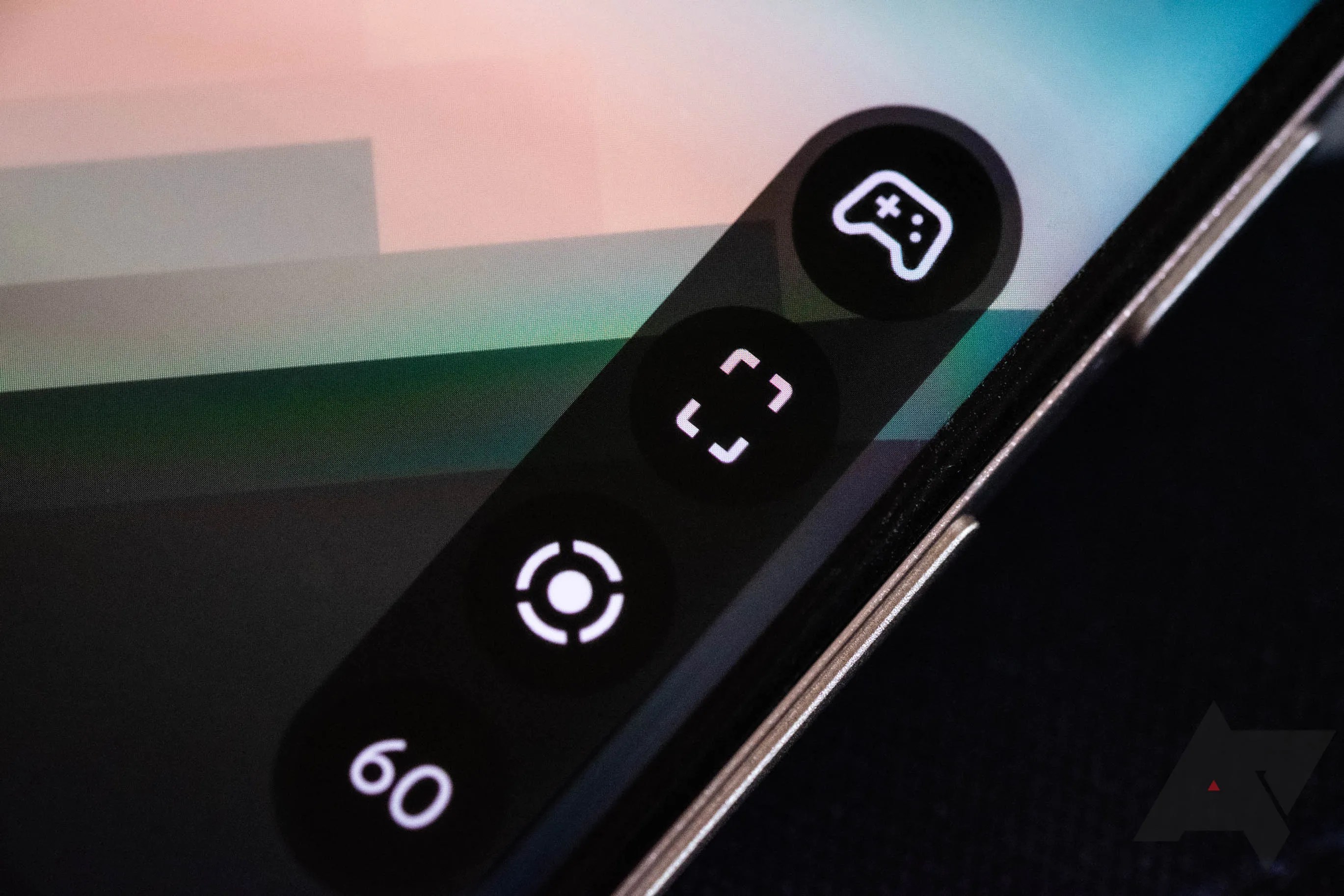
A gallery of Game Dashboard implemented in Play Services, showing where the settings live and other details, manually enabled by Mishaal Rahman.
As noted by Rahman, Google has already adjusted its logic on Android 13 to use the new Play Services implementation of the feature (which might be why the Game Dashboard is broken and crashes on the latest Android 13 Beta). It’s possible that Google has some other motivation for bringing the feature to Play Services while keeping it Pixel-exclusive, but that seems unlikely, as other Pixel-exclusive features still happily live in Google’s proprietary System UI components, and throwing the code for it into a place almost every Android phone can touch it is telling.

Pixel owners that haven’t tried the feature yet and want to knowhow to use the Pixel’s Game Dashboardcan follow our handy guide. It’s surprisingly convoluted and basically hidden under “Do Not Disturb,” which is a little dumb.
The note-taking app I should have used all along

Broader branding hints at wider paid-tier ambitions
Boost Mobile sees changes, too

Some scary urban digital legends
Pixel downsides never change
Your new browser chrome-panion
