How Do You Whitelist Files in Windows Defender?
Windows is big on security, and thanks to Microsoft Defender—previously known as Windows Defender—users have access to a free, built-in anti-malware program on Windows devices. By default, Microsoft Defender automatically enables real-time protection. The antivirus software detects, blocks, and neutralizes spyware, ransomware, viruses, and other malware.
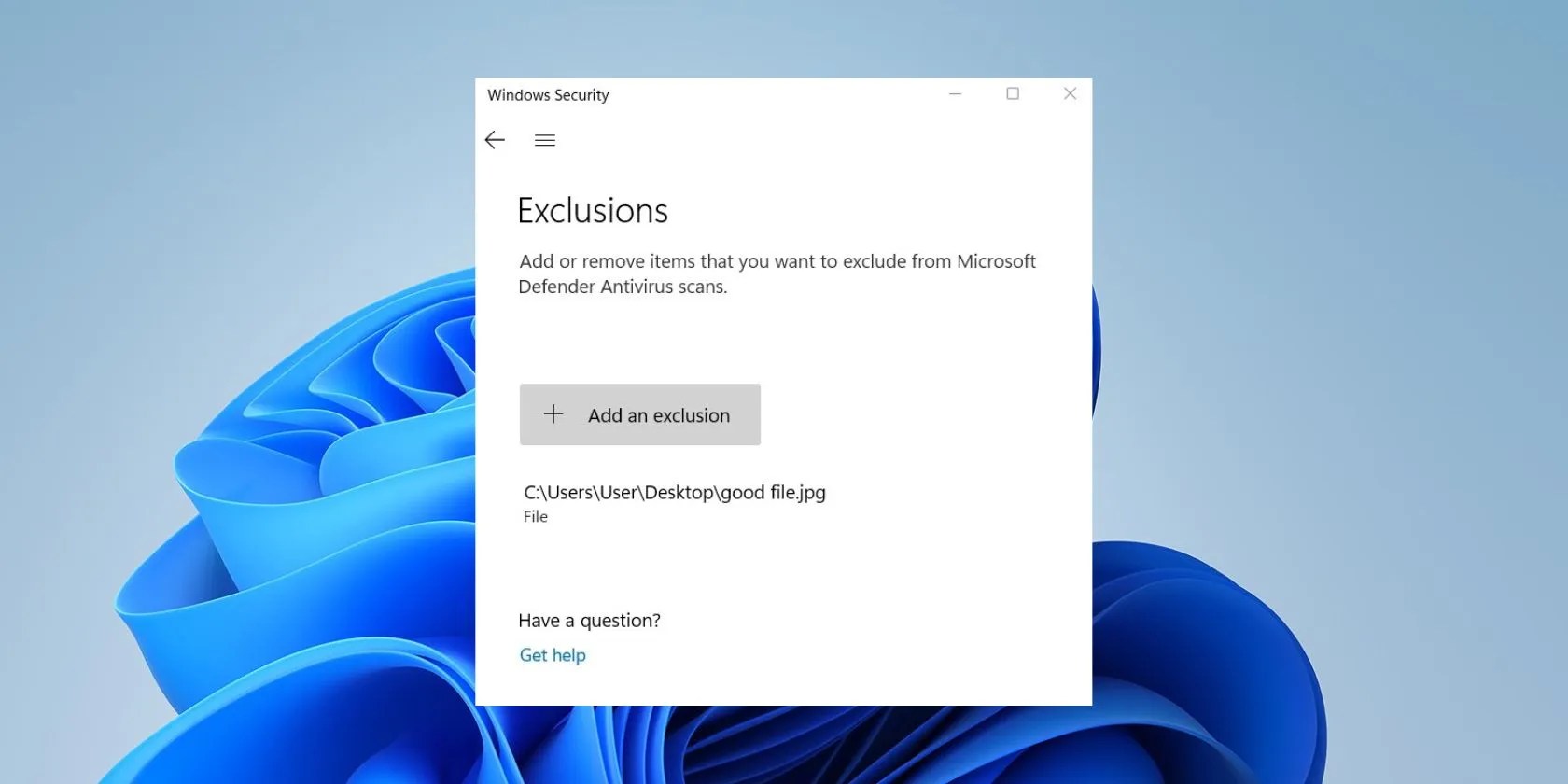
Sometimes, however, the antivirus program can be over-protective and detect trusted files as threats, blocking them in the process. To fix this, you’ll need to add the files to Microsoft Defender’s exclusion list. Here, we’ll walk you through the steps of excluding a file you don’t want Microsoft Defender to scan.

What Is Whitelisting?
Whitelistingis the practice of allowing a list of administrator-approved entities, including programs and files, to be present and active on a computer system. Whatever is not on the list is blocked.
Be careful when excluding items; only exclude those you’re confident are safe. Allowing files and folders flagged as malicious by Microsoft Defender can harm your computer and files.

If malware infects your computer, it could infect the excluded files. If the excluded files are compromised, it would be hard for the antivirus program to detect the malware, putting your entire PC at risk of infection.
How to Exclude Files Out of Windows 11 Defender Scans
To whitelist a file in Microsoft Defender, you must add it to the exclusion list. Carefully follow the instructions below to avoid any confusion.
Here are the items you can exclude from Microsoft Defender and what each choice means.

Benefits of Whitelisting in Microsoft Defender
Whitelisting can be a handy approach to security; it improves defenses and reduces cyber threats. Here are the benefits of whitelisting.
Optimize Your PC With Microsoft Defender Exclusions
Microsoft Defender protects your Windows device in real-time. It automatically runs in the background, checking files you downloaded or copied from portable hard drives, even before opening them. The antivirus software does a decent job scanning malware files, flagging phishing sites, and blocking exploits and network-based attacks.
As much as we love Microsoft Defender, it flags some trusted files and folders as malicious. And this is why you should instruct the antivirus software to exclude certain files from getting scanned and blocked.

Want to scan a single file or folder without performing a full scan? Here’s how to do it with Microsoft Defender.
Not Linux, not Windows. Something better.
My foolproof plan is to use Windows 10 until 2030, with the latest security updates.
Every squeak is your PC’s way of crying for help.
Your phone’s camera app doesn’t show this, so it’s easy to miss.
Sometimes the smallest cleaning habit makes the biggest mess.
