How to Connect an Audio Interface in Adobe Audition: A Step-by-Step Guide
Whether you run a podcast, create voice-overs, or record vocals for music, the condition of your sound can make or break your success. However, PC microphones have limited capabilities, so the best way to guarantee top-quality content is to connect an audio interface to your PC.
If you’re after professional-sounding material, read on, and we’ll show you how to connect an audio interface in Adobe Audition so that you may produce the highest quality sound.

How to Connect an Audio Interface in Adobe Audition
For this tutorial, we are using a MacBook Pro and Focusrite Scarlett 2i2 interface.Adobe Auditionis also available for download on Windows.
Connecting the Interface
To start, connect the interface to your PC with a cable. Most audio interfaces use a USB-C connection, which you’re able to find on the back of the interface. If you’re using a 2015 MacBook model or later, you’ll need a double-ended USB-C cable (the MacBook charger works perfectly fine for this), while other PCs require a USB to type-C cable.
The PC is what powers the interface, so if it’s connected properly, you should see some indication of such. With a Focusrite, the lights in the front of the interface turn on. And if you’re an Apple user but you don’t have an interface yet, there are plenty ofgreat audio interfaces for Macthat you can buy.
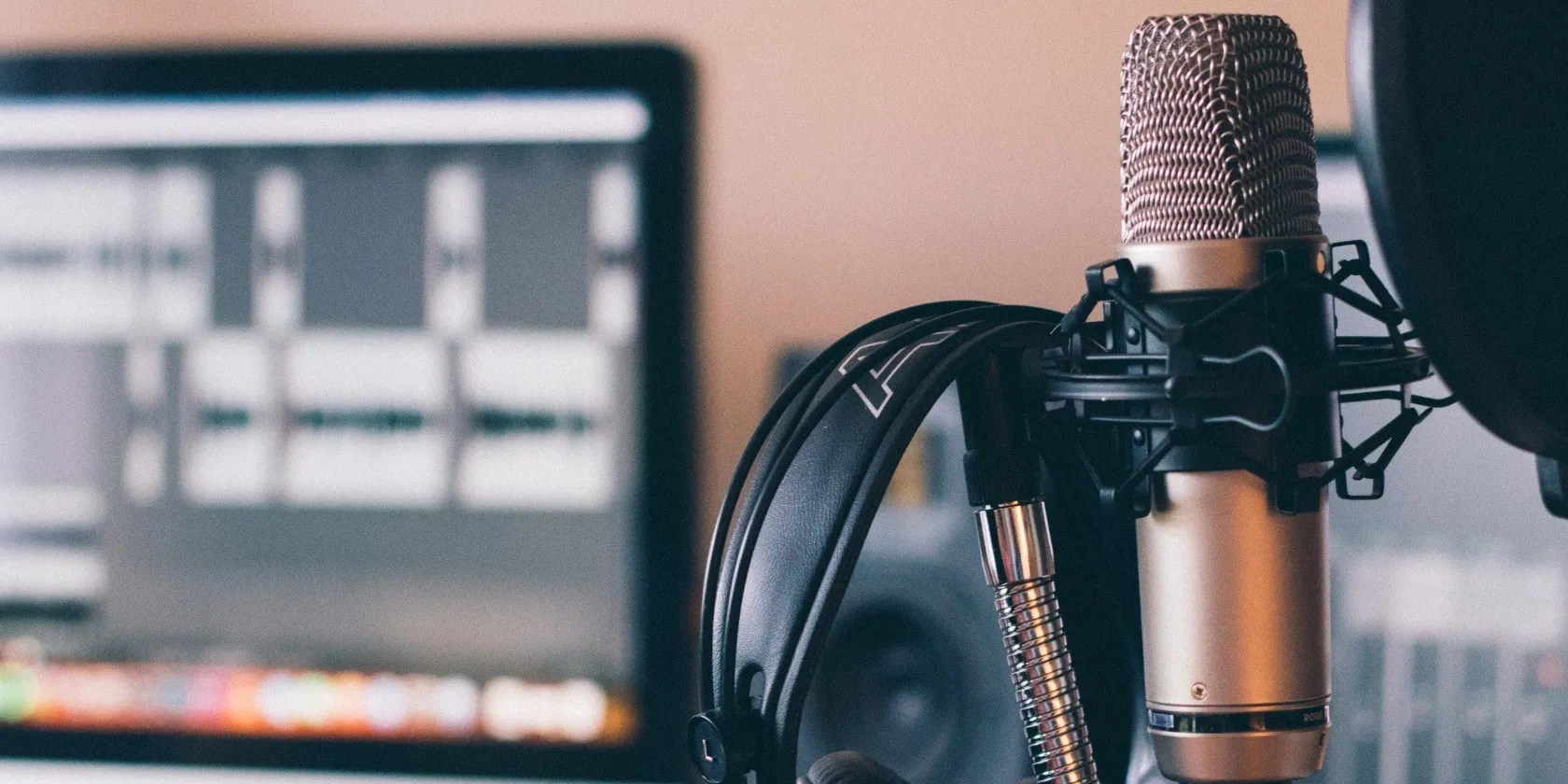
Once you’ve made sure the interface is connected and powered on, you can go ahead and connect your microphone. You’ll likely need to connect the microphone via an XLR cable, and you can use any slot available on the interface, but keep in mind what number input the cable connects to because it will affect your configuration inside Adobe Audition.
If it’s your first time using the platform, we recommend familiarizing yourself with theseuseful Adobe Audition termsto make the most of your experience.

Configuring the Audio Inside Adobe Audition
You want to set up Adobe Audition to record and play back audio, so you need to configure the audio inside the software by following these steps:
Test the Audio
Now you need to test the audio to make sure your audio interface is configured properly:
You’ll know that you’ve configured the interface accurately if you see the audio waveform.

If all your settings for the interface are configured right but there seems to be no audio during the playback, there are a fewways to fix quiet audio in Audition, so don’t feel disheartened just yet.
Record Like a Professional
Connecting an audio interface in Adobe Audition really takes the recorded sound the extra mile. It doesn’t matter if you’re a seasoned professional or just starting out—the high-quality results will make any listener believe you’re experienced.
But there are limits to what the platform can do, so practice your mic technique too, and with an audio interface in Adobe Audition, you’ll be recording like a pro in no time.

Your microphone could be the best in the game, but that doesn’t mean you shouldn’t still adopt common steps to handle it appropriately.
The fix was buried in one tiny toggle.
One casual AI chat exposed how vulnerable I was.
Make sure you don’t miss these movies and shows before Netflix removes them.
Don’t let someone else take over your phone number.
Quality apps that don’t cost anything.
