How to install the One UI 5 beta on your Samsung phone
The One UI beta program allows Samsung Galaxy users to test the latest operating system and provide feedback directly to Samsung. TheOne UI 5 betaisnow available for the Galaxy S22 line in the US,Germany, and South Korea. Here is everything you need to do to sign up for the beta program and install it on your device.
Just note that the beta program is usually designed for the latest Galaxy flagship devices, such as theGalaxy S22 Ultra, at least at first. Samsung will announce what devices are compatible when the program opens.

What’s new about One UI 5?
One UI 5 is more of a refinement than a total overhaul of One UI 4. There are some tweaks to navigation animations and a retooled notification bar.
How to sign up for the One UI 5 beta
Before you can download the One UI 5 beta, you must sign up for the beta program. First thing’s first, download the Samsung Members app. You can find the app on thePlay Storeas well as Samsung’sGalaxy Store. Next, follow these steps:
Once you’re finished, you can go ahead and download the Beta.
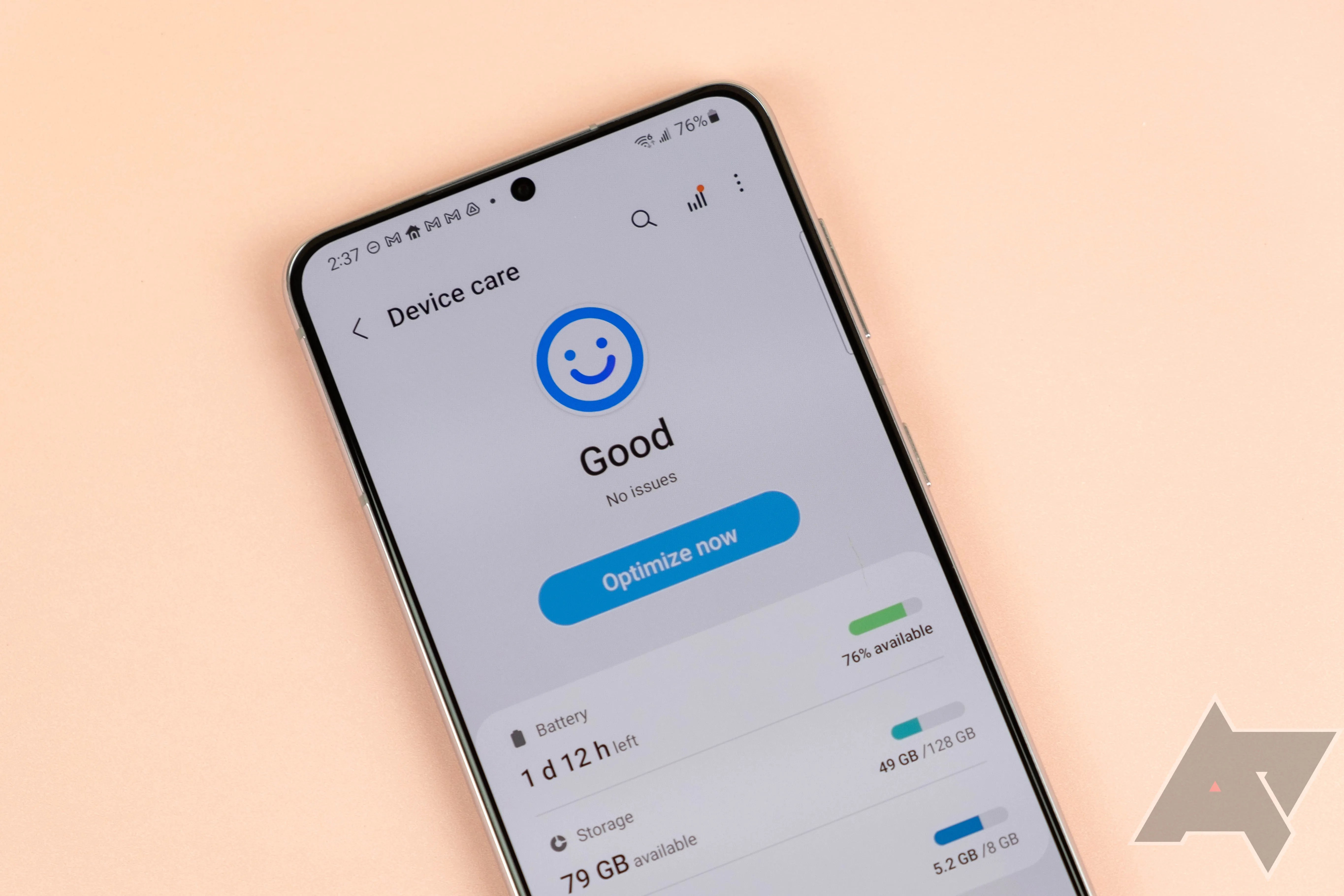
How to download the One UI 5 Beta
The beta software will download like a standard update.
From there, your phone will have the One UI 5 beta, and it’s possible to submit feedback on bugs and user experience via the Samsung Members app.

Should I sign up for the Samsung One UI 5 beta?
If you’re wondering whether the beta is for you, just consider what the experience will be like. You will likely experience software and performance issues, because you are still working with software that isn’t ready for the larger market. If your goal is to be the first in line to experience the new OS, you may be sorely disappointed.
There is also a small — but not insignificant — chance of your phone being bricked. Again, the software isn’t ready for distribution, so bugs could go awry and do some serious damage to your phone. If you are worried about this, it’s probably not the best thing to do. However, if youproperly prepare your device and create a backupto preserve your data.

However, if you’re a Samsung enthusiast, a software developer, or any other flavor of tech nerd, the beta program may be a good fit for you.
Getting ready for the next level
A few peoplealready have their hands on One UI 5, and while it isn’t revolutionary, it does make some quality of life improvements. App icons are a bit bigger in the notification bar, and the permissions pop-up now appears in the center. Perhaps the most exciting new feature is Optical Character Recognition, which automatically detects text in pictures from the Gallery app. You can even copy and paste the text with the Samsung Keyboard. That’s a handy feature that first appeared in iOS 15.
The note-taking app I should have used all along

Broader branding hints at wider paid-tier ambitions
I found the only AI photo app worth keeping on my phone
An advanced, compact, purpose-built device
Generative AI, now poolside
New tablets coming September 4
