How to See Your Tesla Safety Score
Having a good Tesla Safety Score is useful for not only gaining access to the automaker’s internal development programs, like Full Self-Driving (FSD), but, depending on where you live, it can also help you pay less for insurance.
But in spite of the fact that it’s an important metric that shows what kind of driver you are, the Safety Score isn’t all that well known, not even among Tesla owners. So, if you own a Tesla and are curious to see how the company rates your driving, here’s what you have to do.

What Is the Tesla Safety Score, and What Does It Measure?
Before telling you the relatively easy process of seeing your Tesla Safety Score, let’s briefly go over some of its basics. Earlier versions of the system used five metrics tolet Tesla rate your driving: how many Forward Collision Warnings you encountered in the last 1,000 miles, hard braking, aggressive turning, and forced Autopilot disengagement.
WithTesla Safety Score 2.0, the manufacturer has also added speeding, late-night driving, and unbuckled driving as additional things for the system to look out for. The company also notes that you may be enrolled in an older version of Safety Score, and you’re able to check this easily via the Tesla app on your phone.

Where Can You See the Safety Score?
Tesla made it pretty easy for users to see the Safety Score. Once you’ve joined the program, the way to find it is to open up the Tesla app, and on the main screen, you need to scroll down until you see a section calledSecurity. Tap on that, and you will be presented with your Safety Score.
If you have a perfect score of 100, you will see the semicircular bar at the top of the screen completely full and blue. Anything lower than the maximum, and you will start to see gray creeping into the right side of the bar.
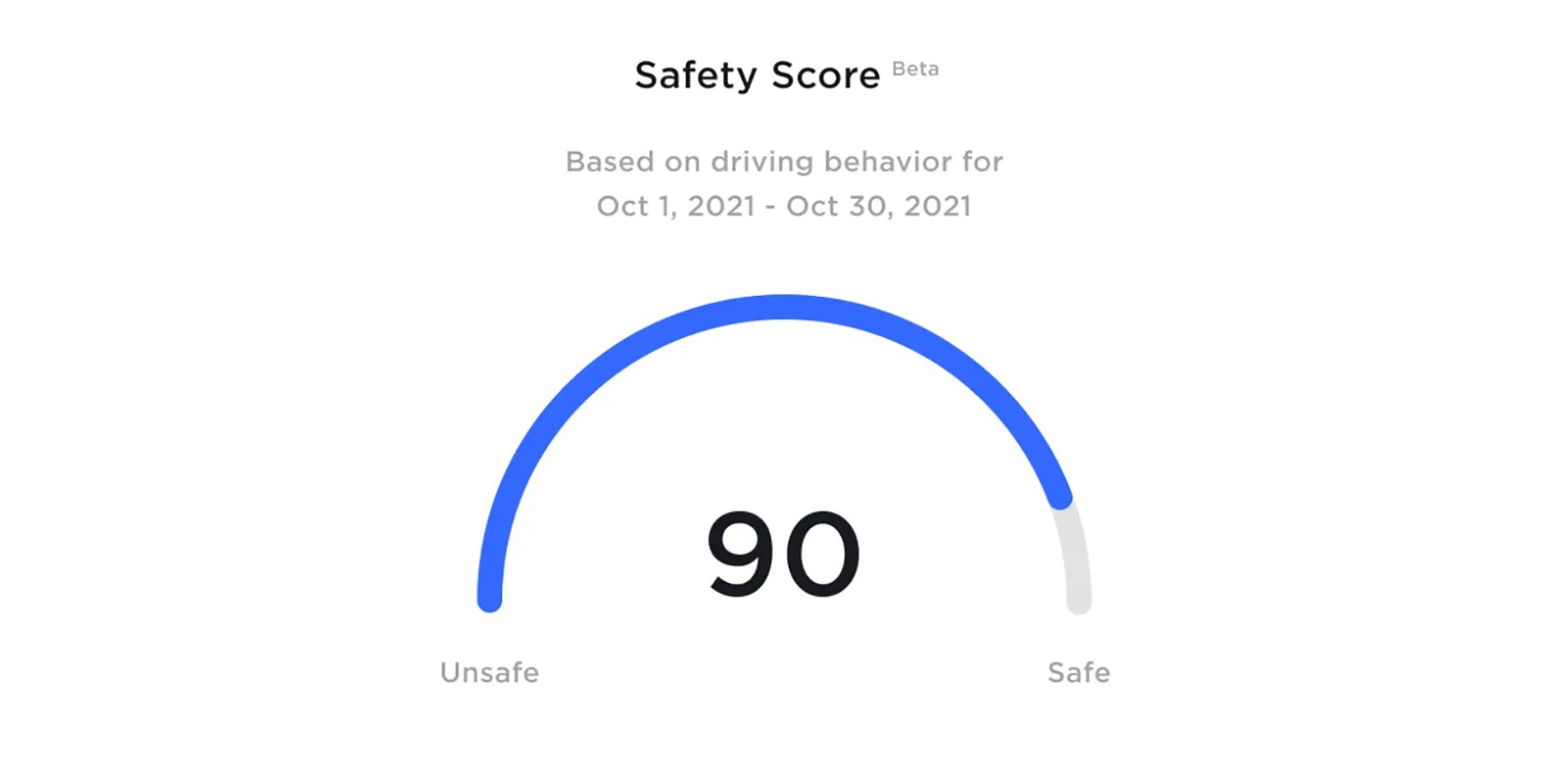
Below that, you have the breakdown per category to explain your score. If you don’t have a perfect score, scroll down to see which category is bringing your total down. Each of these separate subcategories also has its own dropdown menu, which you could access for an even more detailed breakdown of what the car thinks you’re doing wrong.
Keeping Track of Your Safety Score Is Easy
If you have a Tesla, you surely have the companion app on your phone. That’s literally all you need to see the Safety Score if you’ve joined the program.
The Safety Score is calculated for the last 30 days of driving, so if you want to join FSD Beta, but your score isn’t high enough, just drive with extra care for one month and apply some known techniques to get it back up.

Don’t let someone else take over your phone number.
Quality apps that don’t cost anything.

If an AI can roast you, it can also prep you for emergencies.
You don’t need to fork out for expensive hardware to run an AI on your PC.
I gripped my chair the entire time—and then kept thinking about it when the screen turned off.
It’s not super flashy, but it can help to keep your computer up and running.
