How to Set and Track Your Goals in ClickUp
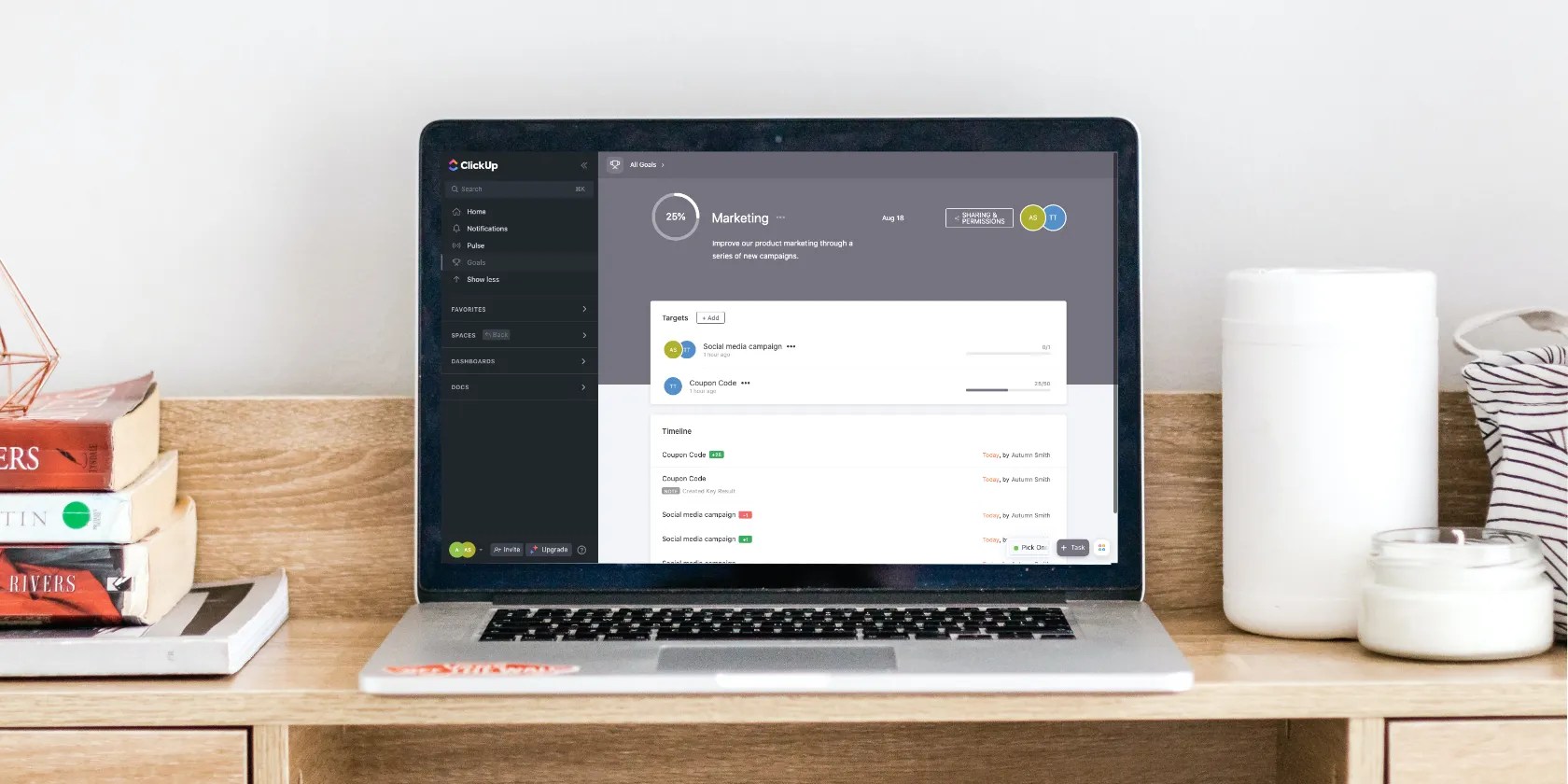
When it comes to setting goals at work, there are those that love it and those that drag their feet. Whichever side you’re on, ClickUp’s Goals tool makes mapping them out and tracking them a cinch. You’re in, you’re out, and everyone’s happy. Plus, you don’t need another software if you already use it to manage projects.
If you’re wondering how it works and what information you need to enter, read on for a quick overview.

How to Set a Goal in ClickUp
To get started, go to theGoalstab in the sidebar and clickNew Goalin the top-right corner of the screen. From there, ClickUp will walk you through a series of steps where you:
Your description will appear at the top of your goal page, so make it something short, sweet, and motivating. It’s almost like a mission statement or an elevator pitch to outline your goal’s purpose. Once you leave this window, a goal card will appear. Click into it to set some targets.

You can set goals as a team, but this is also a great place toset and achieve some personal career goals.
What Are Goal Targets in ClickUp?
Targets are the objectives of your goal. Much like you can break a project up into tasks, you can break a goal into targets. Each target is measurable, and ClickUp gives you four ways to do so underTarget Type:
For this, you want to pick the most meaningful way to measure your progress. Ask yourself how you will know when your objective is a success. If you’re unsure, take some time to create aSMART goal plan.

How to Update Your Goals Progress in ClickUp
As you work toward your goal, you’re able to update your targets in ClickUp by selecting them in the goal menu. Depending on itsTarget Type, a popup will prompt you to enter a number or mark the goal complete.
If your target uses tasks to measure progress, ClickUp automatically updates your progress as you mark the linked ones complete. As you modify your targets, the progress wheel for your overall goal fills up, too. Once it’s you fill it completely, you can celebrate your achievement.

Stay Motivated With Goals in ClickUp
Thanks to ClickUp’s Goals tool, you can start tracking your targets in minutes. The software really does a lot of the work for you, other than the specifics. Now that you know how it works and what information you need, you can map out your specifics and get going.
If goal-tracking helps you get things done, you’ll know the need for a handy tool to do this. Here’s how to use Notion to set and track your goals.
Love fades, even for the best open-source darling.
You’re conveying the wrong meaning when you send these emojis.
you’re able to’t call this offline, Notion.
Freeing up vital memory on Windows only takes a moment, and your computer will feel much faster once you’re done.
Some subscriptions are worth the recurring cost, but not these ones.
