How to Turn Your Voice Into Text With OpenAI’s Whisper for Windows
OpenAI’s Whisper is a new AI-powered solution that can turn your voice into text. Best of all, it comes at zero cost.
However, there’s a catch: it’s more challenging to install and use than your average Windows utility. Especially if you want to use your Nvidia GPU’s Tensor Cores to give it a nice boost.

Don’t fret, though. That’s why we’re here! Read on to find out how to install and use it, but also, if you own one, to have Whisper take advantage of your Nvidia GPU.
What Is OpenAI’s Whisper?
ChatGPT is all the rage nowadays, and we already sawhow you can use ChatGPT by OpenAI. And yet, it’s not the only interesting project by OpenAI.
Powered by deep learning and neural networks, Whisper is a natural language processing system that can “understand” speech and transcribe it into text. But it’s also its own thing, sitting at a spot right among all similar solutions:
Why Are AMD GPUs Not Supported?
For GPUs to be useful for more than graphics, they’d have to act as fully programmable processors. That’s why Nvidia created CUDA, officially deemed “a parallel computing platform and programming model”. To learn more about CUDA and related hardware (“CUDA cores”), read our article onwhat are CUDA cores and how they improve PC gaming.
CUDA is proprietary Nvidia technology, only compatible with Nvidia GPUs. The closest alternatives for AMD’s hardware are OpenCL and Radeon Compute Platform. To learn more about how each company’s solutions compare, check our article onAMD Compute Units vs. Nvidia CUDA Cores.

Compared to the alternatives, CUDA is considered more mature, performant, and easier to use. Thus, most developers only target CUDA, which, in turn, means that their software only takes advantage of the hardware features on Nvidia GPUs. And that includes Whisper.
How to Download and Install Whisper
Unfortunately, Whisper is not a standalone app you can download, install, and run. It relies on other software, which must also be installed.
For Windows, to keep this guide simple, we’ll use Chocolatey extensively for installing most of the necessary software parts. Check our guide onthe quickest way to install Windows softwarefor more info on Chocolatey.

For Linux and Macs, the installation process (excluding the Windows path variable, and easy-to-use batch files we’ll create) should be similar.
Getting Whisper’s CUDA-Enabled Version
Although Whisper doesn’t use Nvidia GPUs, thetorchpackage it relies on offers a CUDA-accelerated version. Using this instead of the “plain” version can help Whisper complete its transcriptions much faster with the help of your Nvidia GPU.
To have Whisper use the CUDA cores of your Nvidia GPU:

What to Do if Torch Fails to Install
If you encounter the “no version found” errorwhile installing torch, you may need to install an older version of Python parallel to your current one.
Use this command to do that:
Replace “OLDER_VERSION” with a version, like 3.10.
Then, use the path of the secondary version for all “generic” Whisper commands (e.g., “c:\Python310\Scripts\pip.exe” rather than just “pip”).
How to Record Your Voice
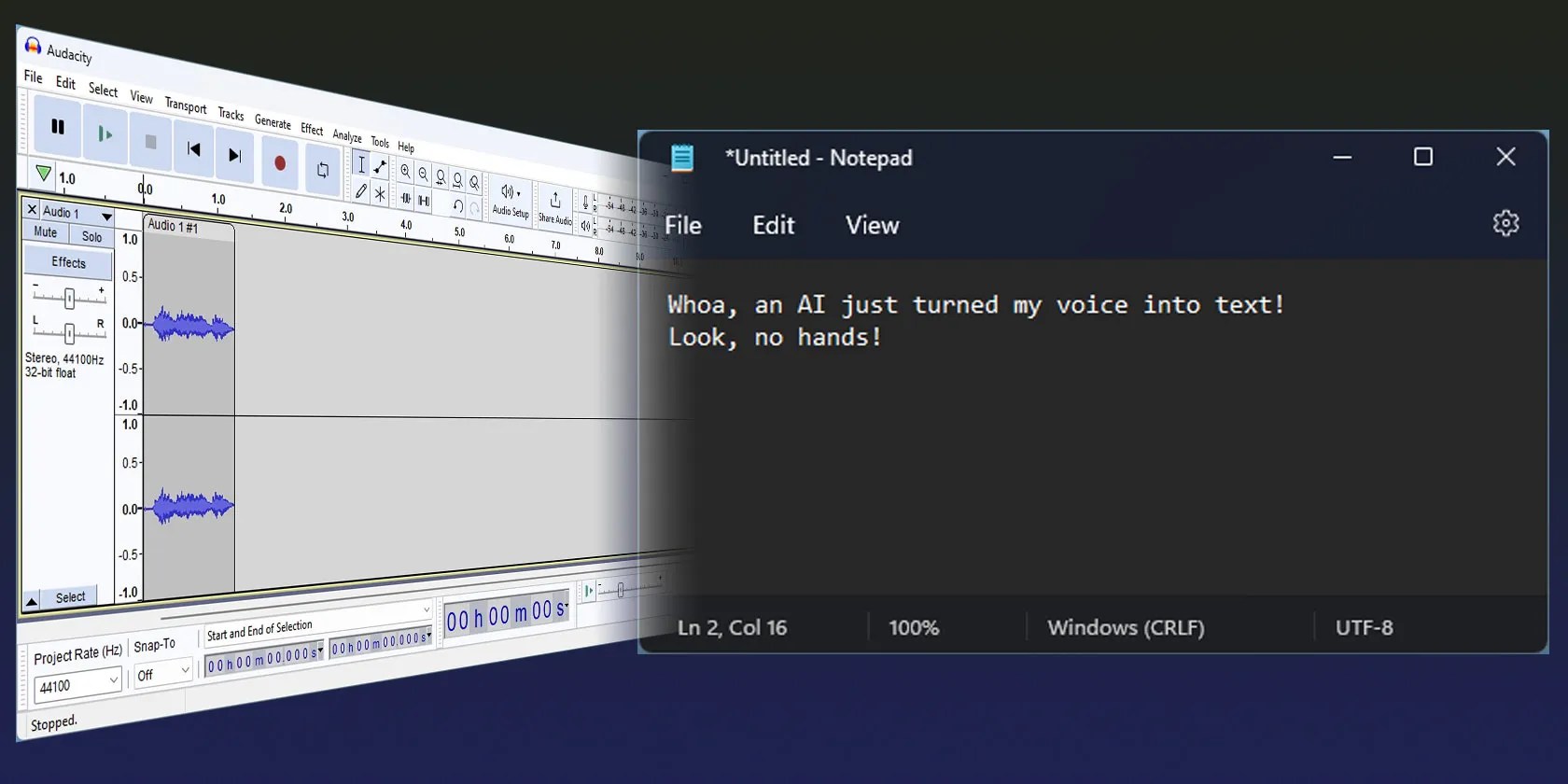
You can use any sound-recording app to turn your voice into a WAV or MP3 file. Windows includes such an app—for more info on that, seehow to use the Windows 10 Voice Recorder app.
For a more full-featured option, tryAudacity. Learn how to do it with our guide onhow to use Audacity to record audio on Windows and Mac.
How to Start Transcribing With Whisper
Although Whisper doesn’t come with a user-friendly GUI, its use is ultra-simple.
Let’s say we have the fileLatestNote.mp3which contains speech in Greek, in folderc:\MyAudioFiles, and want to translate it to English and transcribe it into a text file.
Once processed, the text file (named “LatestNote.mp3.txt”) will appear in the same folder. Open it in a text editor likeNotepadto view the translated text.
We used a translation example because English transcription is even more straightforward: you only have to “lose” the “–language” and “-task” flags. Thus, for plain transcription, the above command would be:
The “model” flag is required because Whisper uses one out of various options. Let’s expand on them to help you choose the best for your needs.
Which Model to Choose?
Whisper offers various language models. The larger the model, the more improved its accuracy, but also the higher its hardware requirements. They are:
Most native English speakers should be fine with thetinyorbasemodels. Non-native English speakers may see better results with larger models, likesmallandmedium.
Note, though, that the medium and large models require over 8GBs of VRAM (that is, “your GPU’s memory”).
To select one of them, specify the model after the “–model” switch in the command:
For example:
How to Streamline Your Transcription
Having to type the whole Whisper command every time you want to transcribe some audio can quickly get boring. Let’s make a globally accessible batch file to streamline the process.
Congratulations, you now have three scripts for easily using Whisper’s tiny, small, and medium models with your audio files! To transcribe any audio file to text:
Typing at the Speed of Sound With Whisper
Even the quickest touch-typists can’t match the speed at which we speak. However, until recently, talking instead of typing wasn’t optimal for creating documents.
Most voice-to-text solutions produced mediocre results. You could find a few solutions worth trying, but they were complicated to use, or costly. Thankfully, Whisper changed all that.
After the steps above, you should be ready to transcribe or translate your voice with high accuracy, using only a single command.
OpenAI’s new chatbot has garnered attention for its impressive answers, but how much of it is believable? Let’s explore the darker side of ChatGPT.
The fix was buried in one tiny toggle.
Make sure you don’t miss these movies and shows before Netflix removes them.
These are the best free movies I found on Tubi, but there are heaps more for you to search through.
When your rival has to bail out your assistant.
So much time invested, and for what?
