How to Use CurseForge to Easily Install Minecraft Mod Packs
Minecraft enjoys an ever-expanding player base since its 2011 launch. A big part of the game’s popularity is the endless possibilities when it comes to modding. There are hundreds if not thousands of Minecraft mods spread across the internet ready for players to download.
However, this variety of mods can also make it difficult for players to choose which mod to actually try. That’s where websites like CurseForge come in.

What Is CurseForge?
CurseForgeis a website where you’ll find mods and addons for games like World of Warcraft, The Sims 4, Final Fantasy XV, and of course, Minecraft. At the time of writing, CurseForge has over 133,000 Minecraft mods for you to choose from, with 39.3 billion downloads and counting.
Apart from having thousands of mods, texture packs, and worlds for Minecraft, CurseForge is also relatively safe when compared to other third-party modding websites. Keep in mind that since mods are generally developed by individual, third-party developers, they carry the risk of infecting your PC with malware.
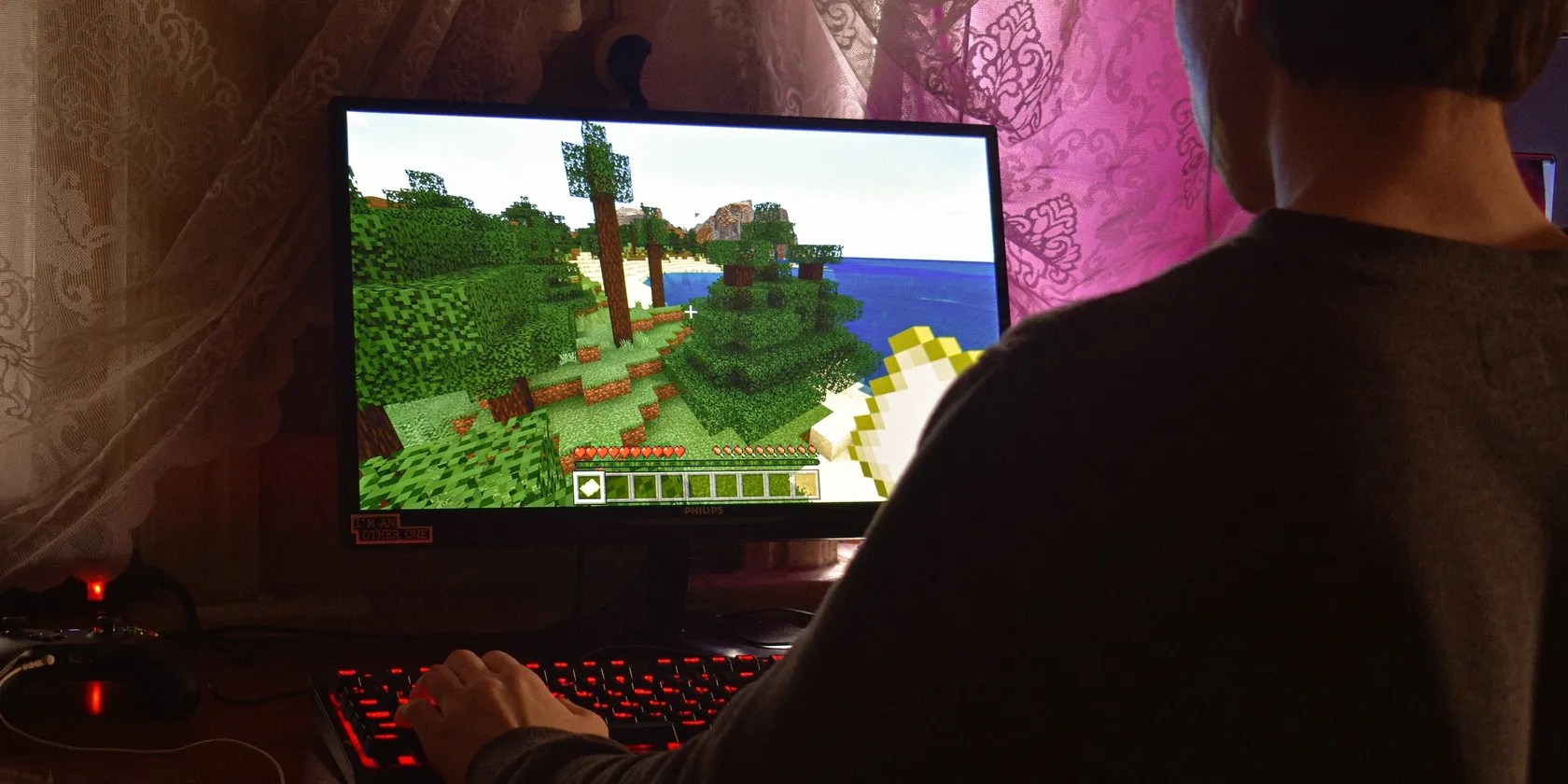
Having a safe place to constantly find new mods for the game of your choice is very important. That said, some mod authors still use sketchy external links on CurseForge so you do need to be mindful of what you download. Sure, you candownload and install Minecraft maps, mods, and texture packs from other sources, but they won’t be as safe.
Regardless, CurseForge does more than just offer a web interface for users to browse mods. The website also features a downloadable client (built by Overwolf) available on Windows, Linux (for World of Warcraft only), and macOS that you can use to browse and manage your mods across the site’s supported games.

How to Browse Mod Packs in CurseForge
Before we get to browsing mod packs in CurseForge, keep in mind that it only supports mods for the Java edition of Minecraft. If you’ve got the Bedrock edition, you’ll have to buy the Java edition first. There’s not a lot of difference between the two editions when it comes to gameplay, but they’re completely different games under the hood.
Once you’re past that, you can browse CurseForge mods using either the website or the app. While browsing via the website might save you a download, we do recommend downloading the CurseForge app (CurseForge website) as it makes mod browsing and installation quite frictionless.

Inside the CurseForge app, once you’ve selected your game, you’ll instantly be able to see all the mod packs available to you as well as the ones you’ve already installed. You can filter them by category or game version and install them with a single click.
How to Create a Custom Mod Pack in CurseForge
Another great feature that CurseForge offers is the ability to make custom mod packs. Custom mod packs allow players to quickly and automatically install a given list of mods or addons. You can even share these custom mod packs with your friends by exporting or importing them using the CurseForge app.
Follow these steps to create a custom mod pack in CurseForge.

After you’re done adding the required elements, just click thePlaybutton to launch the game with the selected mods applied. Using the custom mod packs feature, you can create different profiles of the game that launch with their own unique mods.
This is a little different frombacking up and restoring deleted Minecraft worlds, but it does save you the hassle of having to add and remove mods manually every time you want to try out something new or need to join a specific server that allows/disallows certain (or all) mods.
Minecraft and Modding Go Well Together
Minecraft is the gift that keeps on giving with its randomly generated words and extremely active modding community. However, too many choices can sometimes make decisions difficult, especially for newcomers to the game and the modding community in general.
Websites like CurseForge help collect good mods under a single roof and give a place for both gamers and modders to come together and share their experiences.
Want to party up and craft with your crew? Here’s how you can enjoy Minecraft multiplayer with your friends.
Don’t let aging hardware force you into buying expensive upgrades.
My foolproof plan is to use Windows 10 until 2030, with the latest security updates.
Taming data is easier than it looks.
OneDrive is one of the best, but it has a catch.
Turn these settings on, and your iPhone will be so much better than before.
