Is the Install Button Missing From the Microsoft Store? Here’s How to Fix It
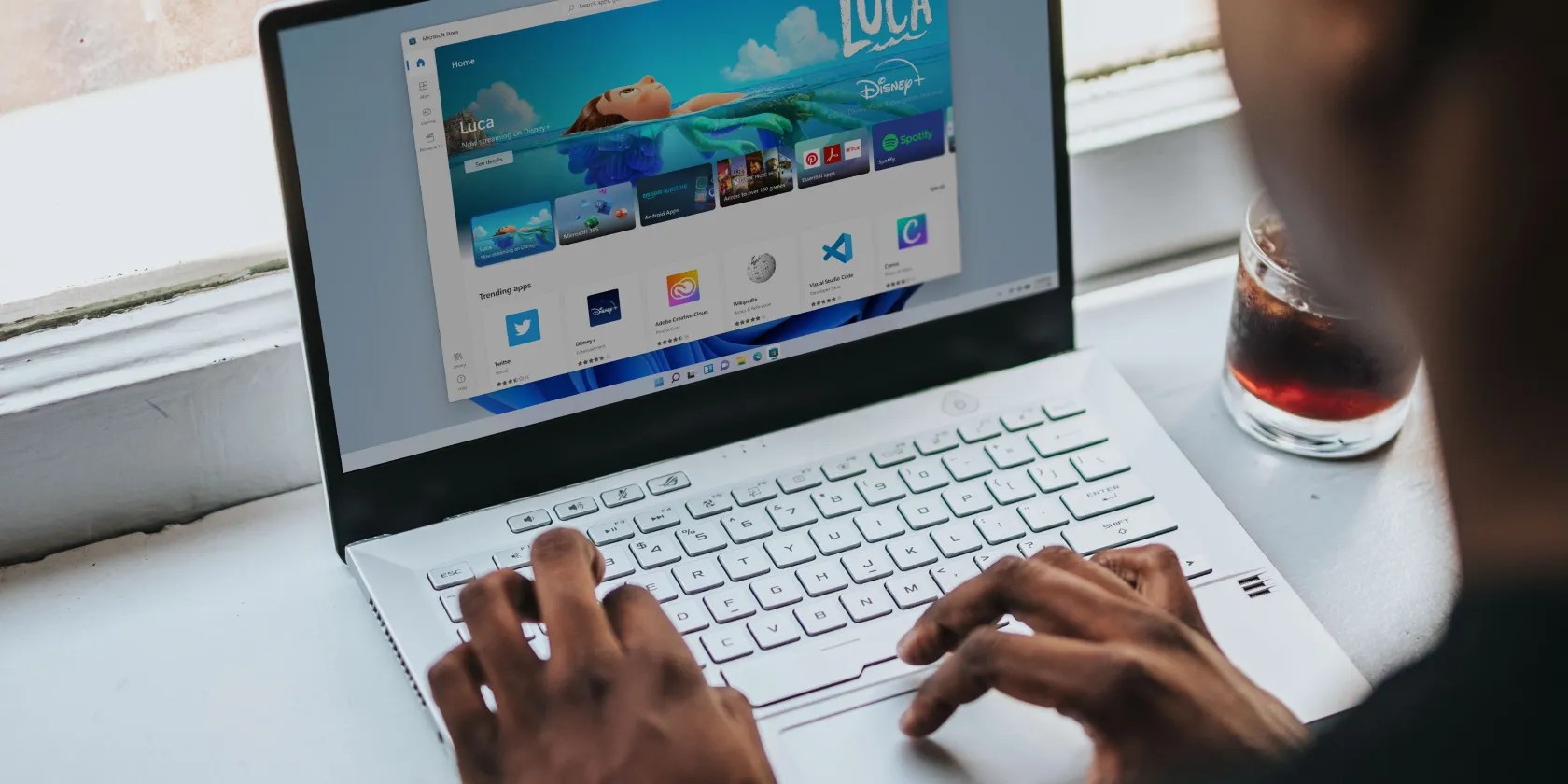
Using the Microsoft Store is one of the safest ways to install apps on your computer. With more than 800,00 available apps, it’s possible to get almost anything you want, including games such as Among Us or Minecraft. But if theInstallbutton is missing, you’ll be unable to download anything
Before going into more detailed methods on how to fix this problem, you should update the app and restart your computer. If you still can’t see theInstallbutton in Microsoft Store, it’s time to dig into your PC and see what’s wrong.

1. Check the Time and Date
TheInstallbutton might be missing from Microsoft Store if your computerdoesn’t display the correct time and date. This could happen if you’ve recently traveled or had to manually change your computer’s time and date, so you don’t miss an event that takes place in a different time zone.
Follow these steps to change your computer time and date:

2. Reconnect Your Microsoft Account
A quick fix that you can try is reconnecting your Microsoft account. In Microsoft Store, click theProfileicon and selectLog out. Then, launch Task Manager and close any store-related process. Relaunch Microsoft Store and log in using your credentials.
3. Use a VPN
If you notice theInstallbutton is missing for a specific app, there’s a chance that the app isn’t available in your country. You can check the information online and if you can’t find an alternative for the app, you caninstall a free VPN on your Windows computer.
If the application has just been launched, it may take a while until it’s available worldwide. This could mean weeks or even months. So if you’re not in a hurry, you’ll be able to install it without having to use a VPN or download it from a shady website and risk infecting your computer with malware.

4. Run the Windows Store Troubleshooter
A few years ago, you’d have to download the Windows Store Apps troubleshooter if you had any problems. Fortunately, Microsoft included it in the list of built-in troubleshooters, so you may access it easier.
5. Reset the Microsoft Store
Microsoft Store might not display theInstallbutton because of corrupted app cache. In this case, resetting the Microsoft Store will remove the cache data and will fix the problem.
Launch Command Prompt with administrative rights and type in theWSReset.execommand line. Then, pressEnterto reset the app and remove cache data.

6. Restart the Microsoft Store Service
Windows has a service running in the background that takes care of the Microsoft Store app. If the service malfunctions, it will cause all sorts of problems, including the missingInstallbutton. Here is how you could fix it:
Install Apps From the Microsoft Store Once Again
Hopefully, the above solutions helped you fix a missing installbutton. As we’ve discussed, there are a few workarounds, including using a VPN if a certain app isn’t available in your country. Also, you can try installing the app from its official website.
Microsoft Store apps for Windows 10 have come a long way. Here’s our selection of the best Windows 10 apps, both free and paid.
Quality apps that don’t cost anything.
One casual AI chat exposed how vulnerable I was.
Don’t let aging hardware force you into buying expensive upgrades.
The best features aren’t the ones being advertised.
I plugged random USB devices into my phone and was pleasantly surprised by how many actually worked.
