The 6 Best Android Auto Features
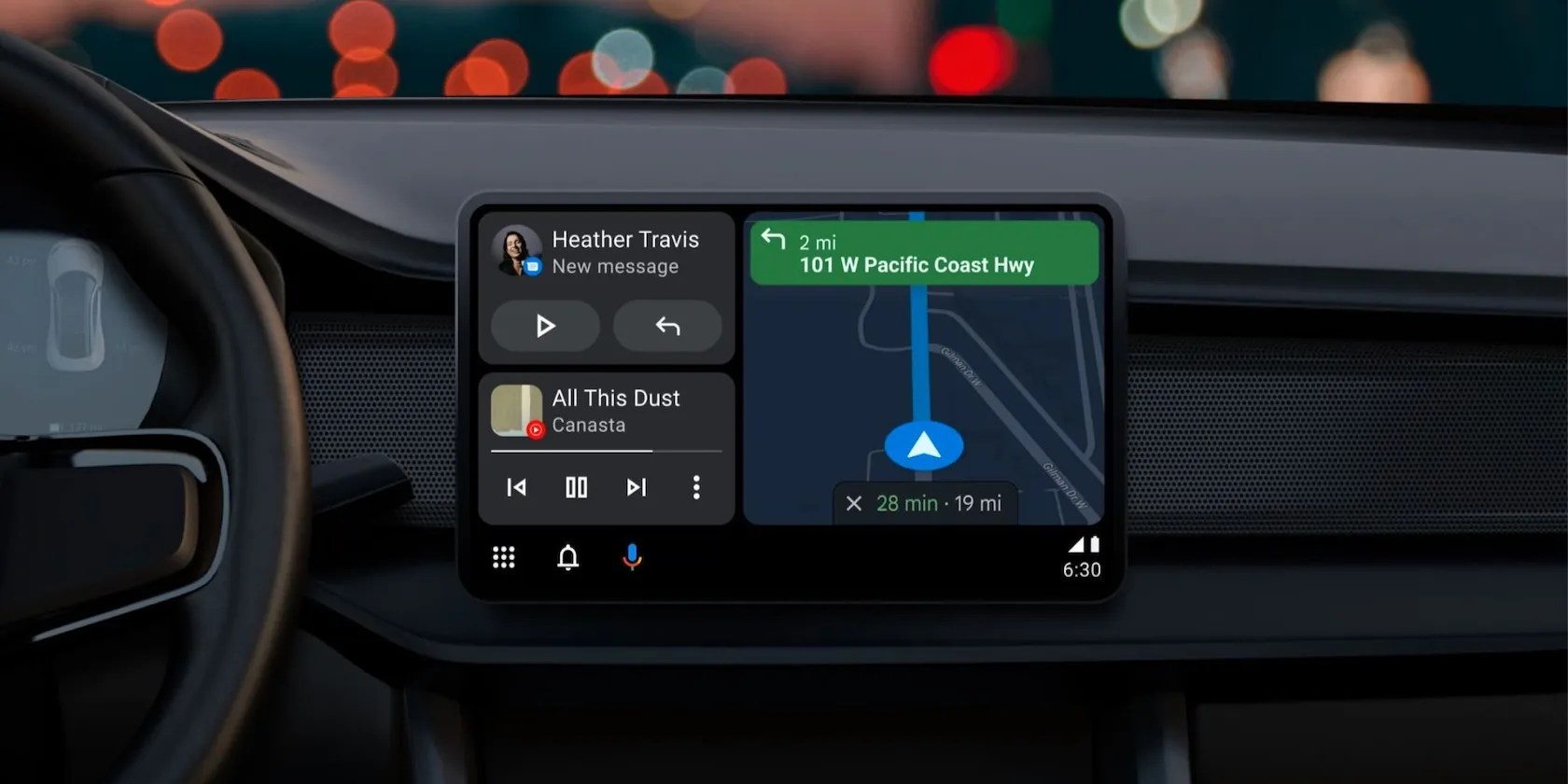
Using your smartphone while driving can be dangerous since it forces you to take your eyes off the road. But if you use Google’s Android Auto smartphone mirroring in your car, it’s easier for you to answer texts, make calls, check the map, and more without getting as easily distracted.
You can access Android Auto on your car’s built-in head unit. Or, if it doesn’t come with one, you can install an aftermarket solution that will provide the same functionality as the factory unit.

These are the best Android Auto features that will improve your driving experience.
1. Google Assistant for Hands-Free Control
Android Auto can be controlled using Google Assistant. This means that you can keep your hands on the wheel and your eyes on the road as you ask Google Assistant to initiate an action using voice commands (you activate it by saying “Hey Google”). Another way to activate Google Assistant is to tap the microphone button on the head unit. Some vehicles even have a dedicated Google Assistant button on the steering wheel that you can also press for activation.
Google Assistant can complete almost any actionon your Android smartphone through Android Auto. You can, for instance, ask it to call someone from your contacts or tell you the weather forecast (among hundreds of other possible actions), just like it would on your phone.
2. Monitor Your Smart Home Gadgets
Android Auto can integrate with yoursmart home gadgets that help automate and monitor your home. In other words, you could use Google Assistant within Android Auto to check on and control your smart home devices like speakers, bulbs, thermostats, cookers, and electrical outlets while you’re driving.
However, you need to install smart home devices that are compatible with Google Assistant for this to work.

You could eveninstall a smart garage door controllerthat is compatible with Google Assistant, so you could open your garage door remotely from your car.
3. Integration With Many Navigation Apps
Android Auto is compatible with most navigation apps, such as Google Maps, Samsung Maps, TomTom Go, and Waze. If you have an electric vehicle, you could alsoinstall one of the many charging station finder appslike PlugShare, ChargeHub, Electrify America, and EVgo.
You can then begin the navigation using Android Auto, even if your smartphone is locked. To do that, you need to activateStart Android AutounderGeneralSettings.

4. On-Screen Weather Updates
Android Auto can show you the latest weather updates on the screen. If you want to unlock this feature, you need to turn on the Weather option, which is one of the manyAndroid Auto settings you can tweak. Of course, Google Assistant will also tell you what the weather is if you ask.
If you want weather updates and forecasts with in-depth information such as visibility, wind speeds, UV index, and humidity, you should consider installingthe best weather apps for Android.

5. Automatically Resume Media
One of Android Auto’s coolest features is that you can automatically resume listening to a song, podcast, or audiobook when you get back into the vehicle. If you want this, enable theAutomatically Resume Mediaoption withinGeneralSettings.
Beyond that, you may choose your default music provider in theMusicsection of the Google Assistant settings, so you don’t need to specify to Google Assistant which music streaming service you want.
6. Answer Phone Calls and Messages
Along with calling someone from your contacts, you can ask Android Auto to reply to messages. In fact, you can have it read and send text messages on WhatsApp, Instagram, Telegram, Signal, and Facebook by simply talking to Google Assistant.
If you’re easily distracted by notifications while driving, you canenable Do Not Disturb mode on your smartphone. Another option is to set Android Auto up to only show a preview of the conversations when you’re not driving, with the purpose of limit the distraction.
Android Auto Can’t Control Everything in Your Car
Even though you can use Android Auto to access your apps through your car’s dashboard display, the functionality is limited. For instance, you cannot control your vehicle’s climate, light, or door locks using Android Auto, but you could do it with the more advanced Android Automotive.
They’re very similar, but not quite the same. Here’s what you need to know.
You don’t need to fork out for expensive hardware to run an AI on your PC.
Turn these settings on, and your iPhone will be so much better than before.
Don’t let someone else take over your phone number.
When your rival has to bail out your assistant.
Who asked for these upgrades?
